プレミアム
購読する
プレミアム
デザイナースペース
Influencer Club
デザイナー
ワークベンチ
メッセージ
日本語
Crealityクラウドアプリ
FlowPrint
探検する
店
コレクション
MakeNow
AI
Creator
コンテスト
CraftSeek
リーダーボード
コミュニティ
製品
ダウンロード
ブログ
画像検索モデルを通じて
画像をここにドラッグする
クリックしてアップロード
または
検索
モデルをアップロード
メーカーを追加
印刷ファイルをアップロード
crealitycloud.cn からインポート
プレミアム
購読する
ワークベンチ
クイックリンク
あなたのために
プレミアム無料
割引
クーポン
エクスクルーシブ
マルチカラー
リーダーボード
デザイナー
ツール
すべてのカテゴリー
すべてのカテゴリー
人気の検索
クリエイティクラウド
ログイン
画像検索モデルを通じて
画像をここにドラッグする
クリックしてアップロード
または
検索
探検する
店
コレクション
FlowPrint
Creator
コンテスト
リーダーボード
コミュニティ
製品
ダウンロード
ブログ
ヘルプセンター
デザイナーパートナーシッププログラム
Influencer Club
3Dプレビュー
似たものを探す
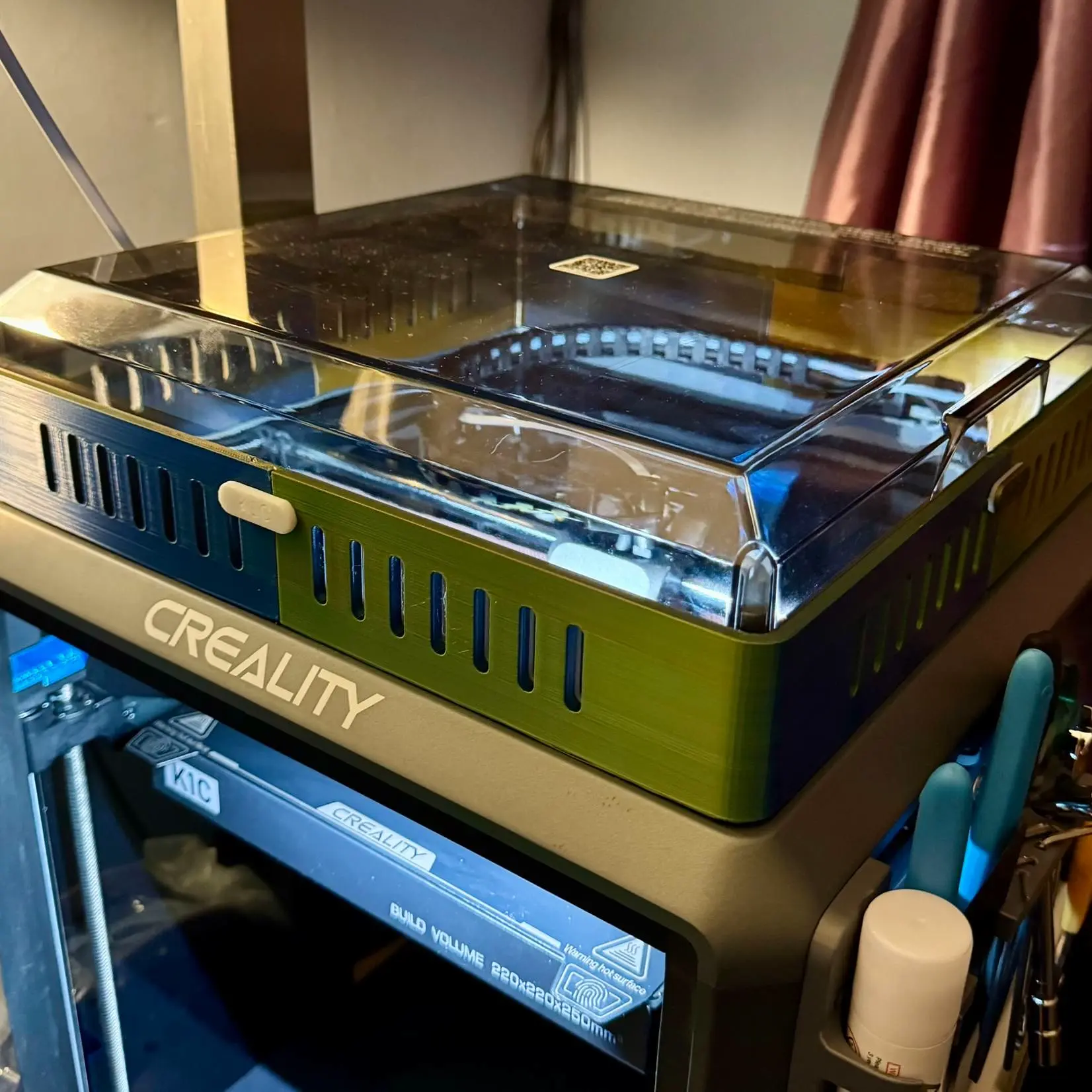
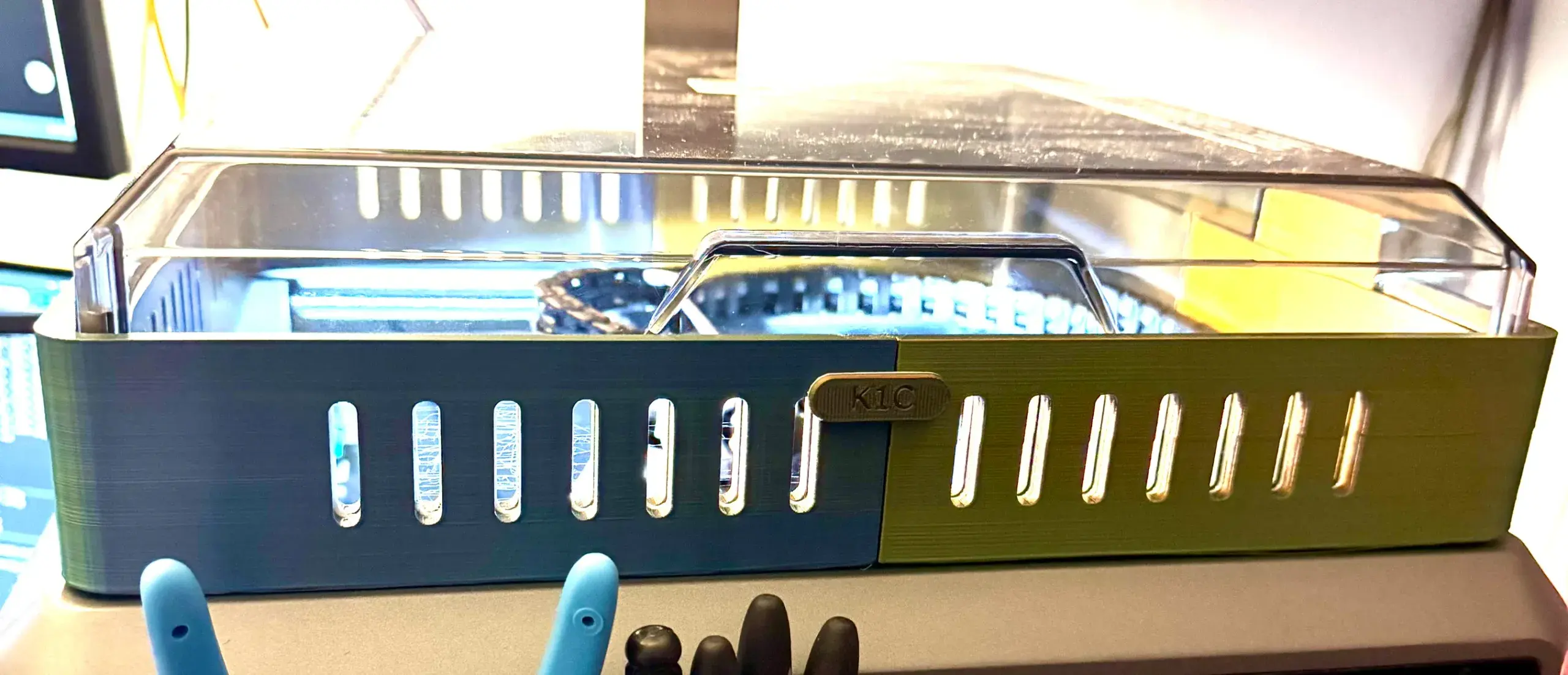
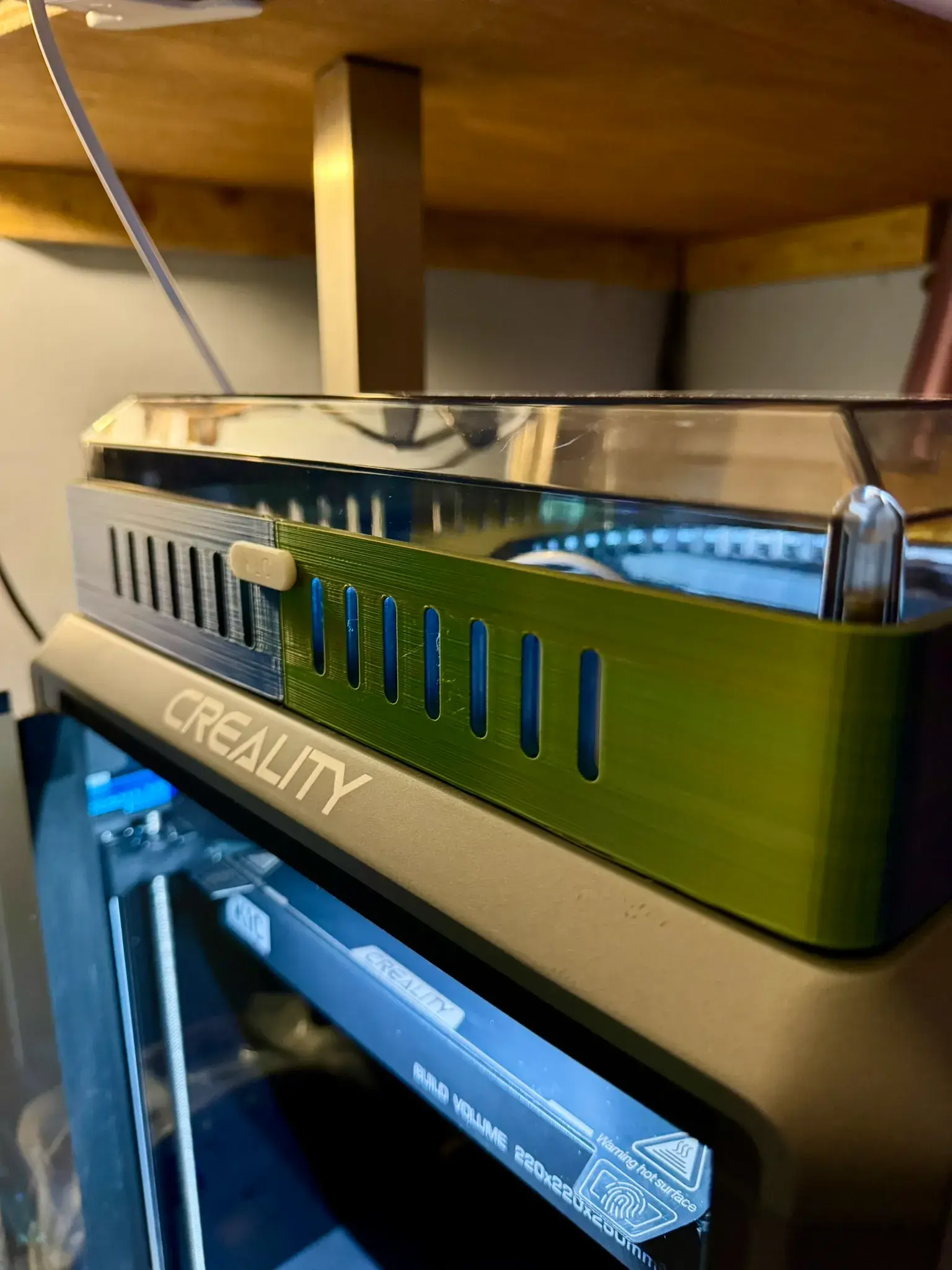
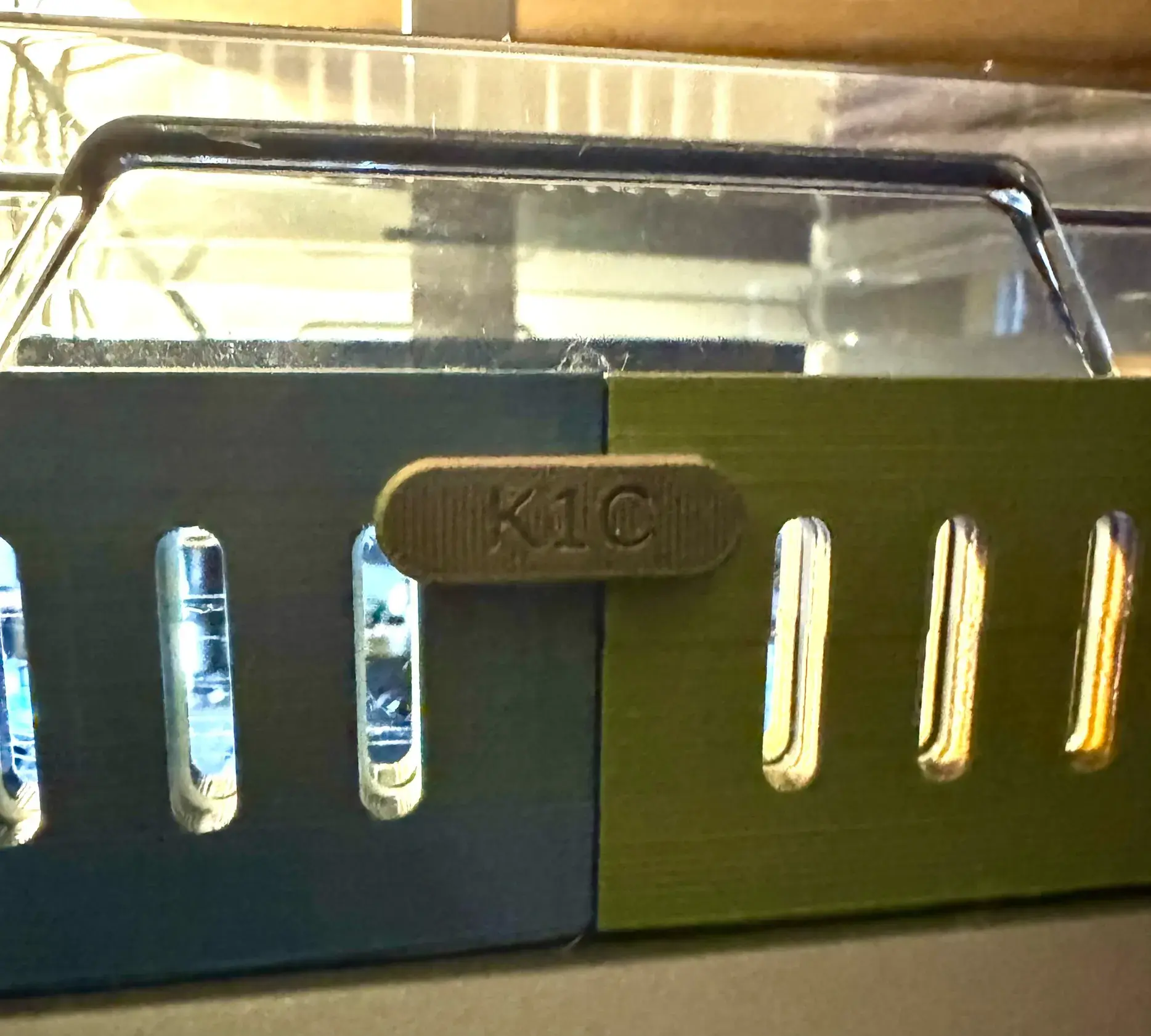
K1Cライザー
DaiB13
印刷設定 (1)
追加
3Dプリンターアクセサリー
3Dプリンターアクセサリー
報告
クラウドスライス
Creality Printで開く
Creality Printで開く
印刷
3MF ダウンロード
STL/CADファイルを表示
ブースト
ブーストで賞品獲得のチャンス
81
120
9
Facebook
Pinterest
X
Reddit
Discord
リンクをコピー
IDを共有
モデルIDをコピー:31092916、検索してこのモデルを見つけてください
このモデルをお気に入りフォルダに追加
2026-01-24
449
説明
著作権ライセンス
この作品は、Copyright License 4.0 に基づいてライセンスされています。
CC0 (別名 CC Zero) は、クリエイターが著作権を放棄し、作品を全世界のパブリック ドメインに置くことを可能にするパブリック献身ツールです。
契約違反を発見した場合は、弊社にご連絡の上、今後の対応についてご相談ください。
タグ
` elements. "lid riser" likely refers to a mechanical or automotive part, or perhaps a component in a container/packaging context. "Lid" = 蓋 (futa). "Riser" = 上昇部、立ち上がり、ライザー. In the context of a lid, it might be a "lid riser" (a part that raises the lid, or a riser on a lid). Let's use a concise, technical translation. "蓋ライザー" or "蓋立ち上がり部" or simply "リッドライザー". Let's go with "蓋ライザー" or "蓋リフター". Actually, "lid riser" could be a specific hardware component. Let's use "蓋ライザー". 2. **Drafting the Translation:** * lid = 蓋 * riser = ライザー * Combined: 蓋ライザー 3. **Formatting:** * Must strictly follow the format. Wait, the prompt says "将以下标签翻译为日语。只翻译文字,保留特殊字符。" and gives the text with tags. I should output just the translated text, or include the tags? "保留特殊字符" implies keeping the tags if they are considered special characters, but usually, it means keeping things like brackets. Let's output just the text, or with the tags? "只翻译文字" -> translate only the text. I will output just the translated text. Wait, if I look at similar prompts, usually the output should just be the translated string. Let's just output the Japanese text. 4. **Refining:** * Text: 蓋ライザー * Check for any special characters: none. 5. **Final Output Generation:** 蓋ライザー (Wait, should I keep the `[TAG]` and `
airflow
階段
クリエイリティ
K1C
k1cライザー
最上段蹴込み
ライザー
ライザーアップグレード
通気口付きライザー
換気
3Dプリンターアクセサリー
ライザーリッド
セキュリティ検証
コマーシャルメンバー説明
Access selection
Creality Official Store
お客様の個人情報はリセットされました