



似たものを探す
3Dプレビュー
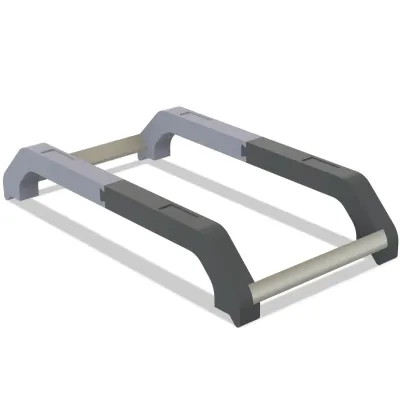
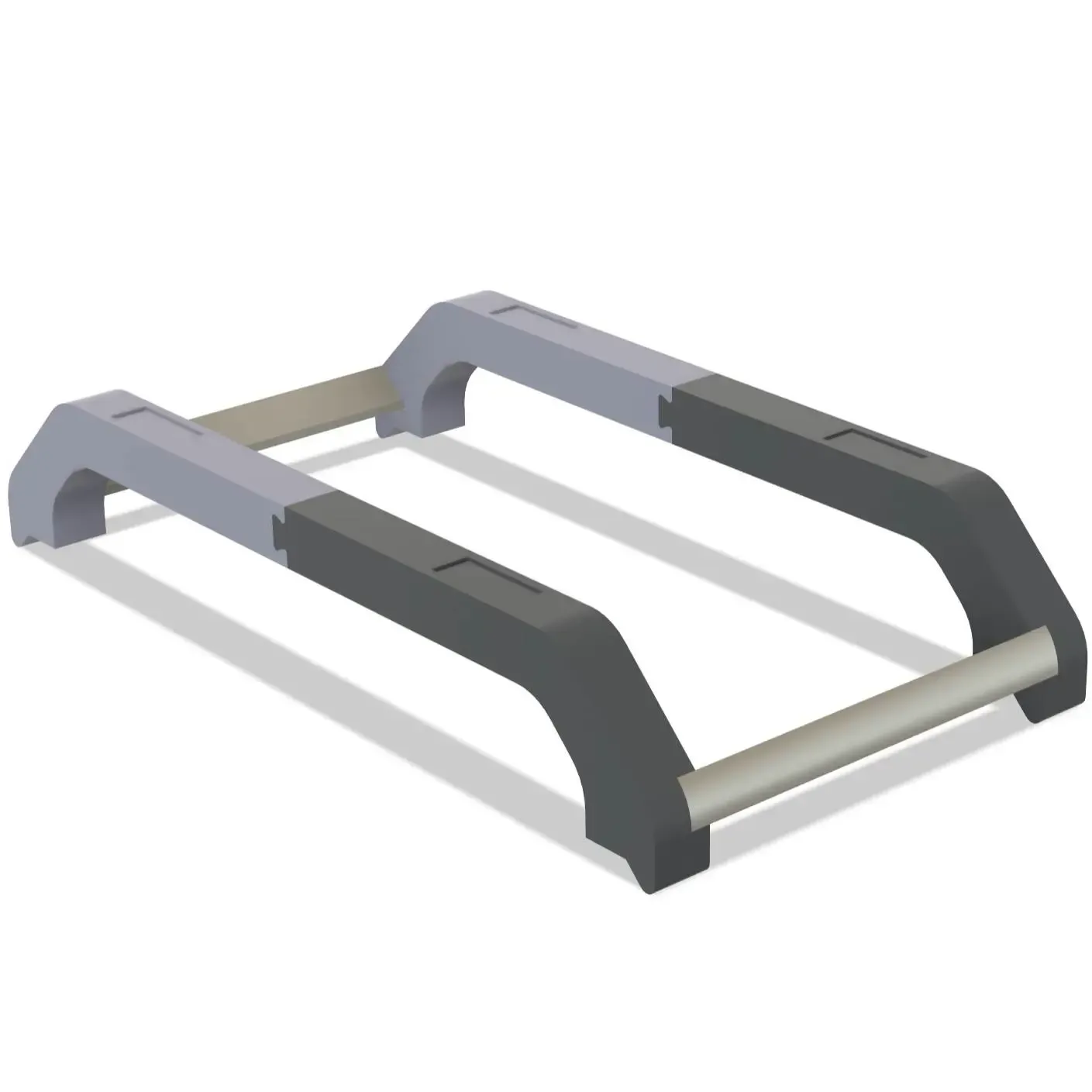
K2 plus CFS Riser (stable version)
プリント設定(1)
追加すべて
K2 Plus
すべて
K2 Plus
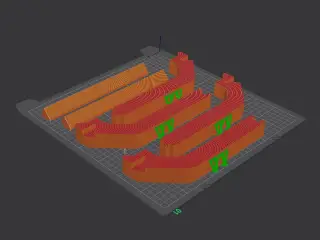
0.2mm layer, 2 walls, 15% infill
作者
10h 20m
1 プレート
424.08g
250
購入
45
52
13
2025-09-07 50 5
説明
ライセンス
この作品は、クリエイティブ・コモンズ 表示 4.0 ライセンスの下で提供されています。
このライセンスは、作成者への帰属表示を条件に、素材の配布、改変、商用利用を許可します。規約違反を発見された場合は、今後の対応についてご相談ください。
タグ
stabilitätcfscfs SteigleitungErhöhte Plattform` tags).
* Constraint 1: Only translate the text, keep special characters (the tags themselves).
* Constraint 2: Strict format, no explanations.
2. **Analyze the Input Text:**
* Source text: "industrieller gebrauch"
* Language: German (Wait, the input is *already* in German. Let me check if it needs correction or just to be outputted as is, or maybe it's meant to be translated *from* English? No, "industrieller gebrauch" is German for "industrial use". If the source is already German, I should just output it properly capitalized or as is. Let me re-read. Ah, the prompt says "将以下标签翻译为德语" (Translate the following tags into German). The input is "industrieller gebrauch". It's already German, but uncapitalized. I will just output it properly capitalized as "Industrieller Gebrauch" or keep it exactly as is if it's considered already translated. Wait, maybe it's just a lowercase string. Let's just output "Industrieller Gebrauch" or "industrieller gebrauch". Let's stick to the exact casing or correct German casing. Actually, standard German capitalization: "Industrieller Gebrauch". But to be safe and just translate/format, I'll use "Industrieller Gebrauch".)
* Wait, is it possible the user made a mistake and the source is already German? Yes. I will just output the German text.
* Let's check if there's any other meaning. "industrial use" -> "industrieller Gebrauch" or "Industrielle Nutzung". Since it's already in German, I'll just refine the capitalization: "Industrieller Gebrauch".
3. **Format the Output:**
* Must include `[TAG]` and `
関連モデル
Copyright © 2025 CREALITY 3D (HK) TECHNOLOGY LIMITED All Rights Reserved.