

Creality Cloud - 多様で便利、そして興味深いオールインワンの3Dプリントプラットフォーム
プレミアム
  デザイナー
  ワークベンチ
メッセージ
日本語
Crealityクラウドアプリ

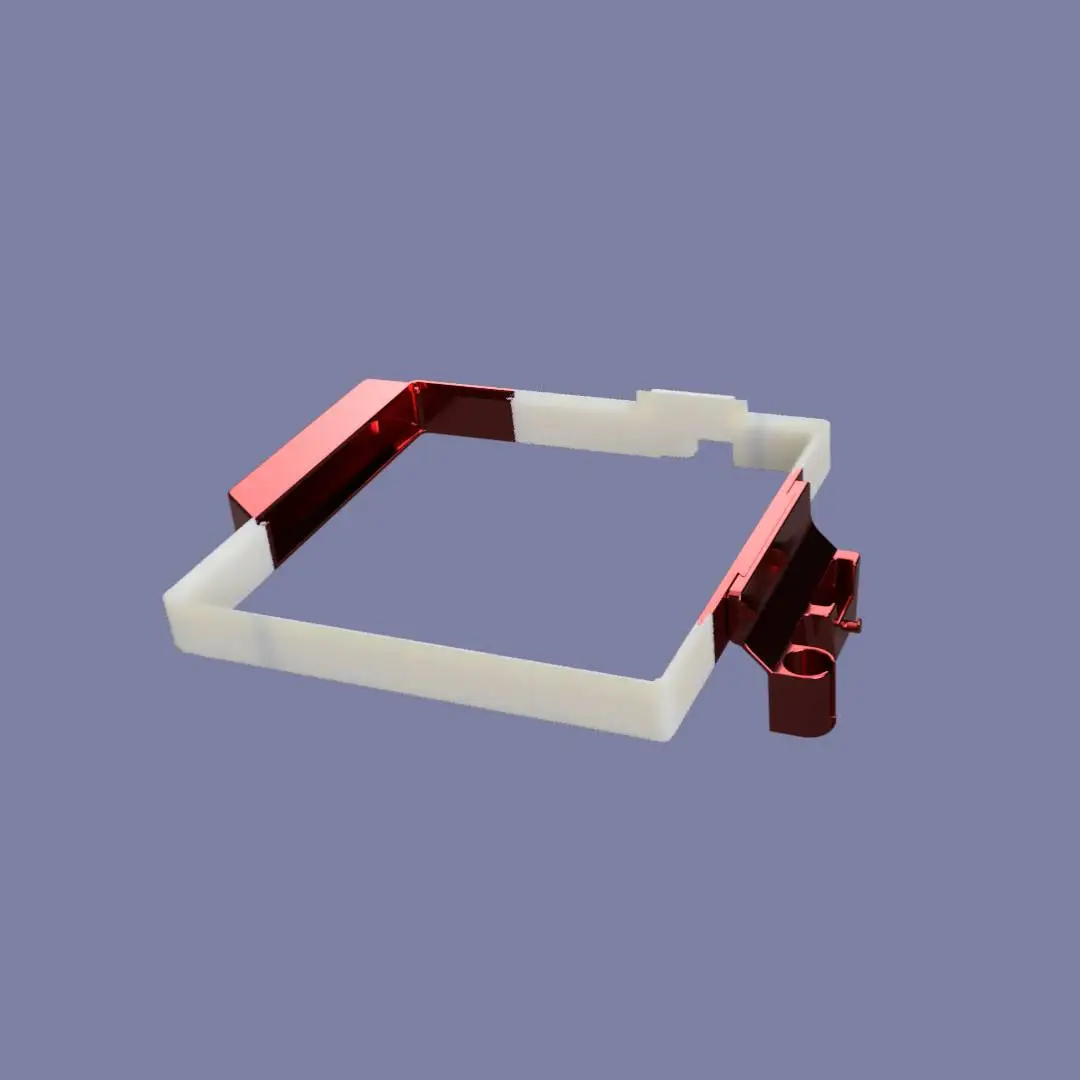
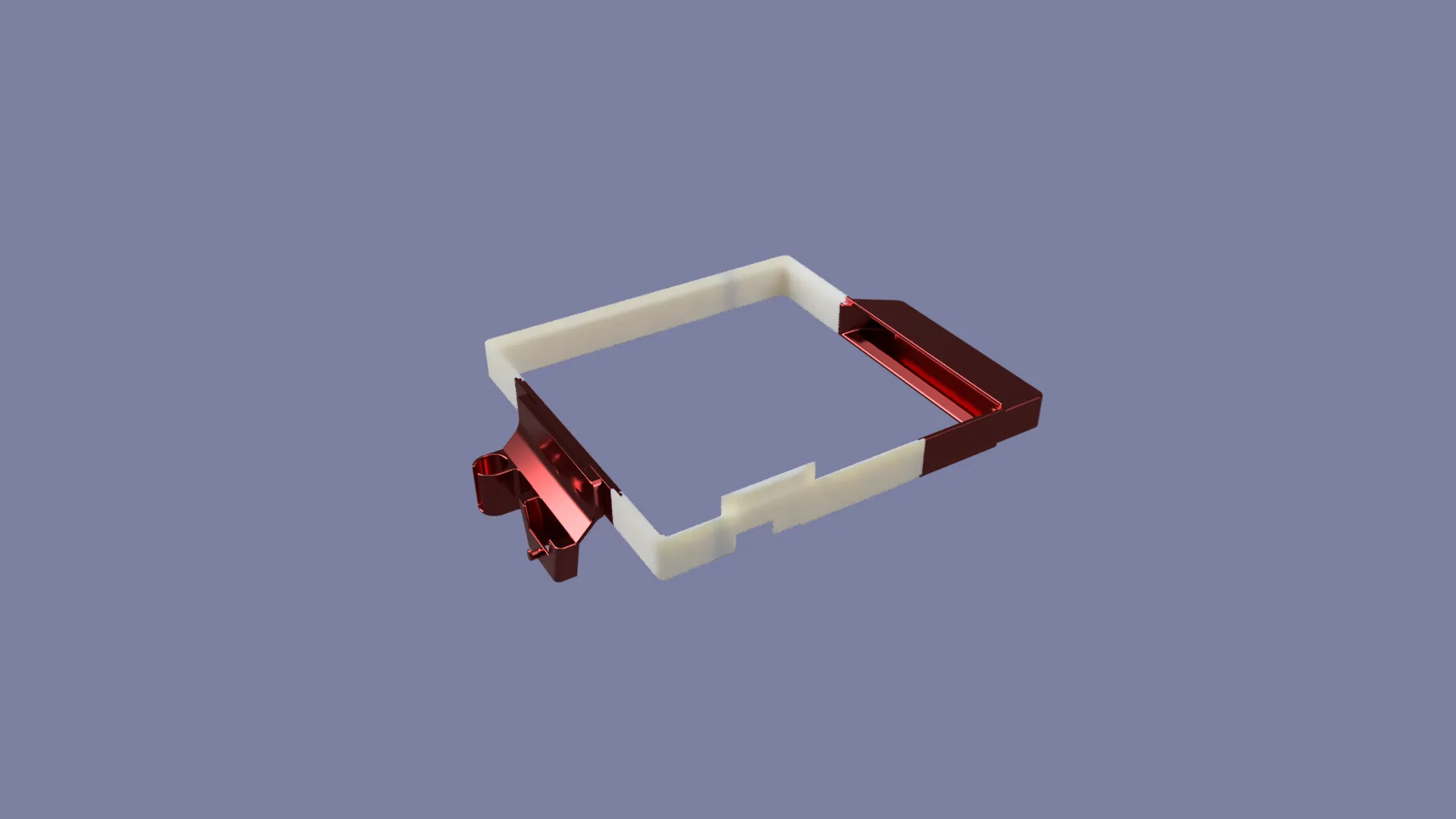
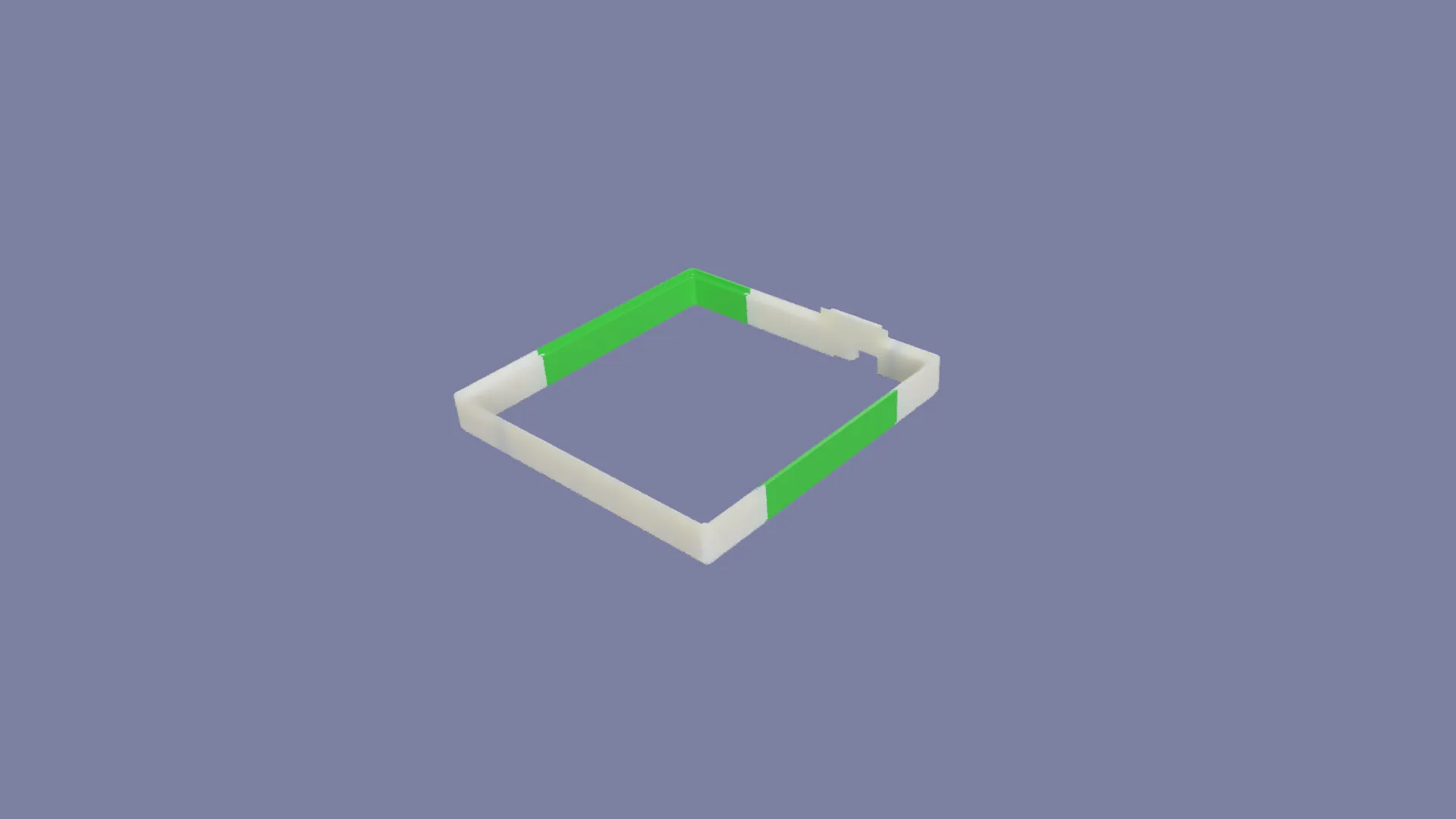
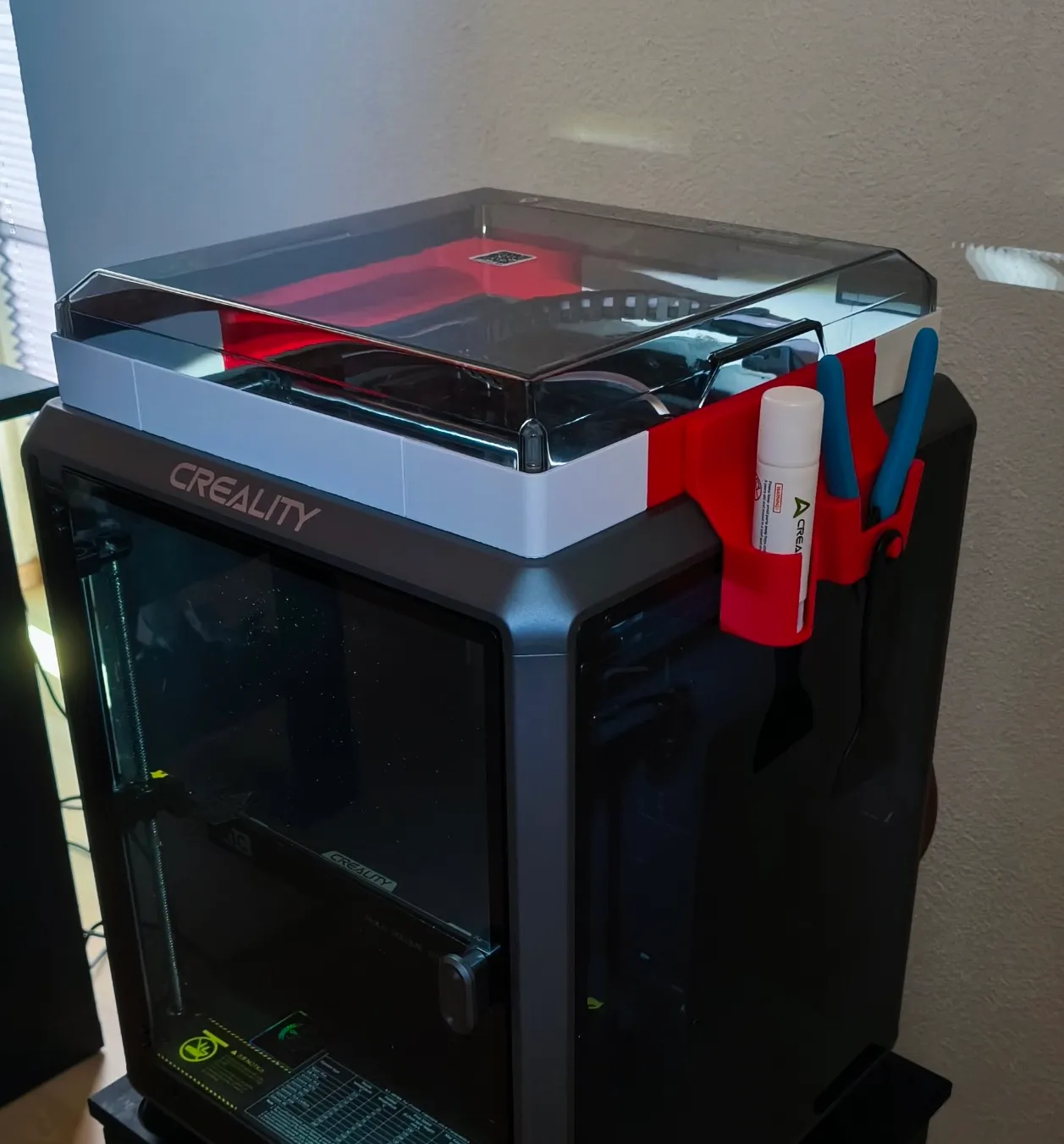
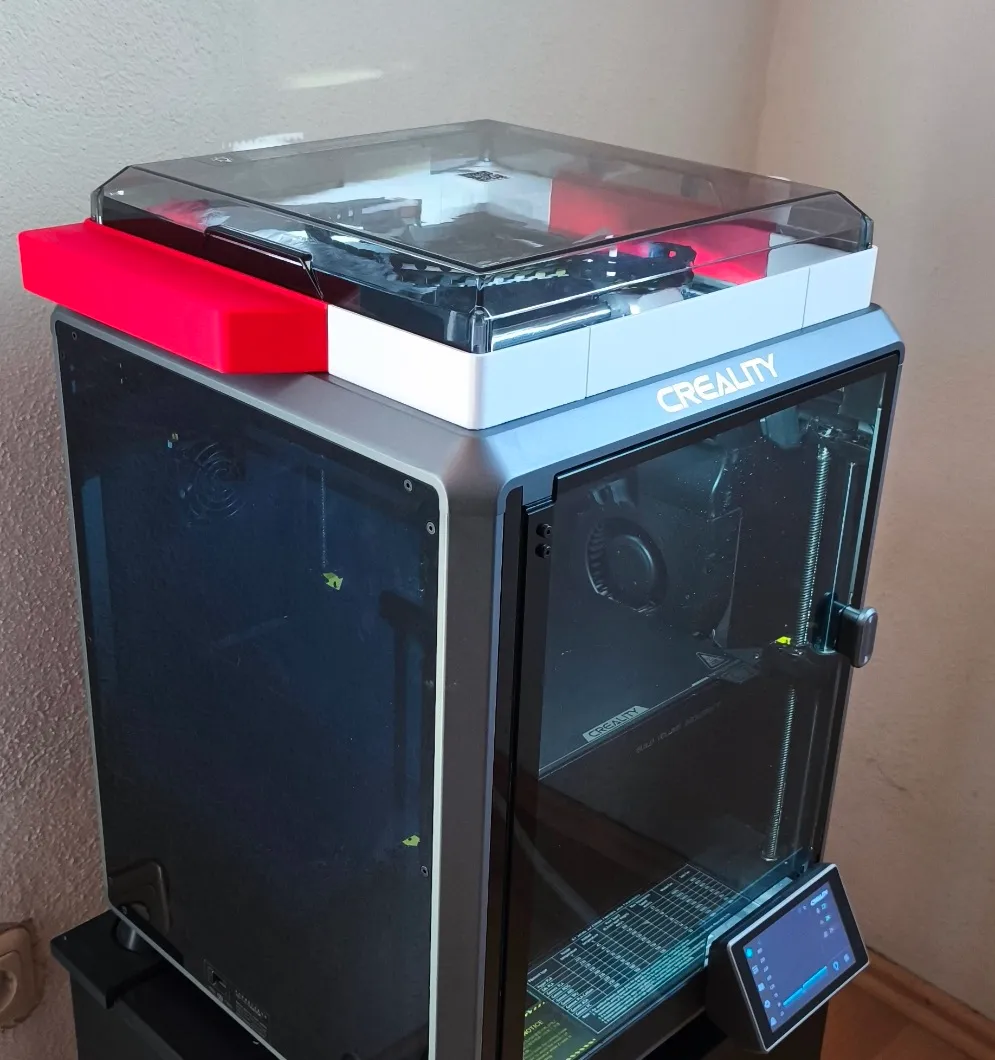
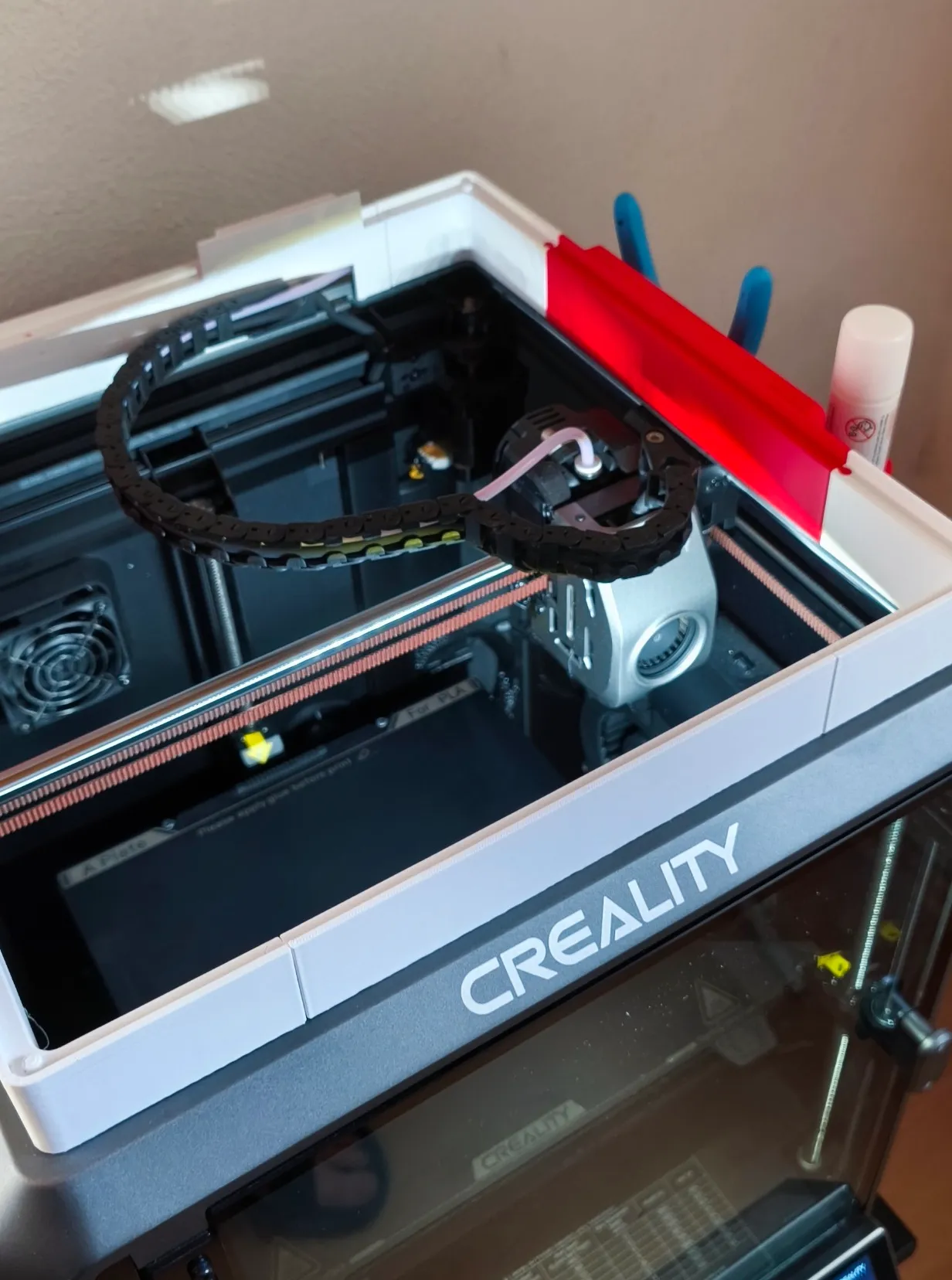
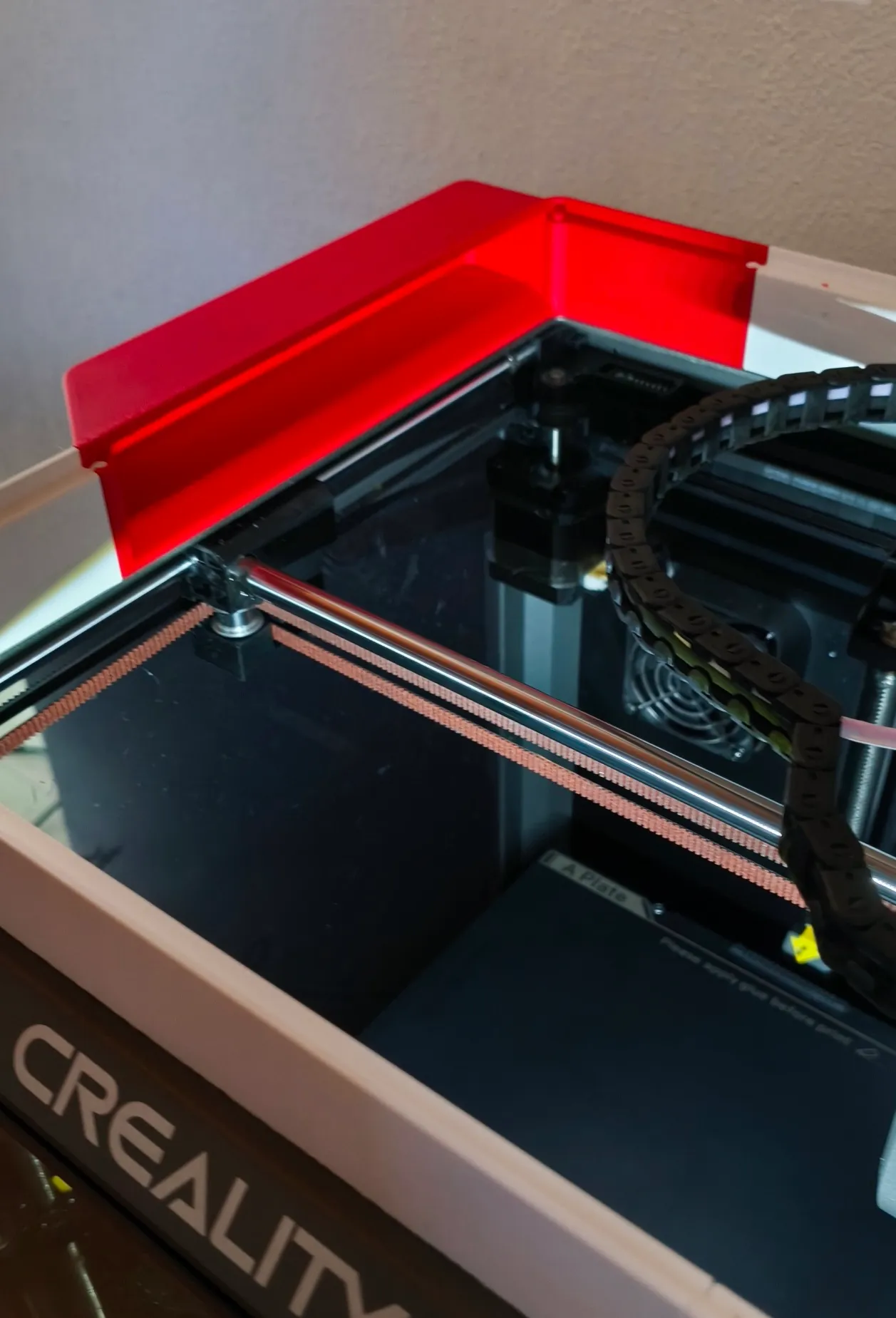
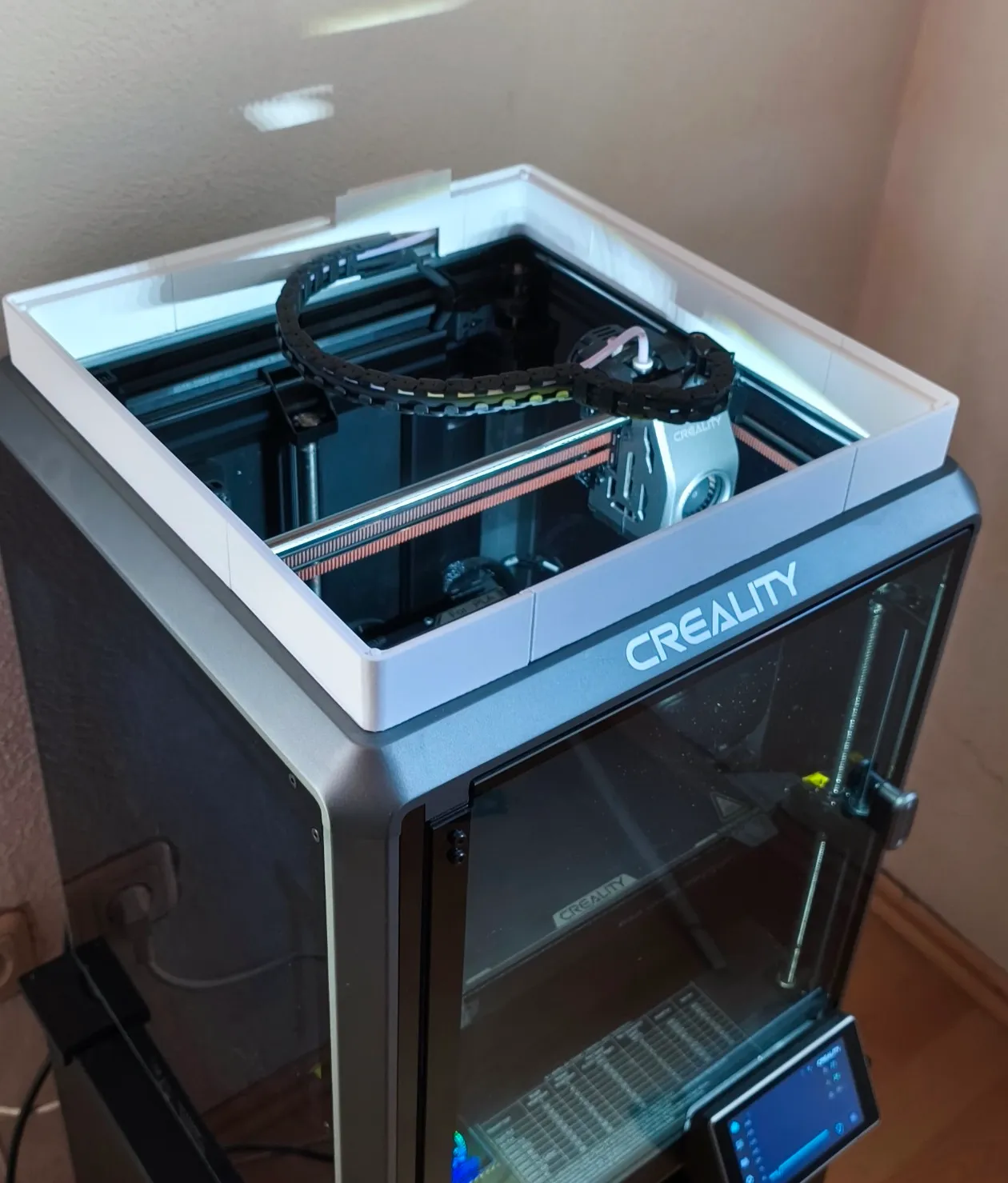
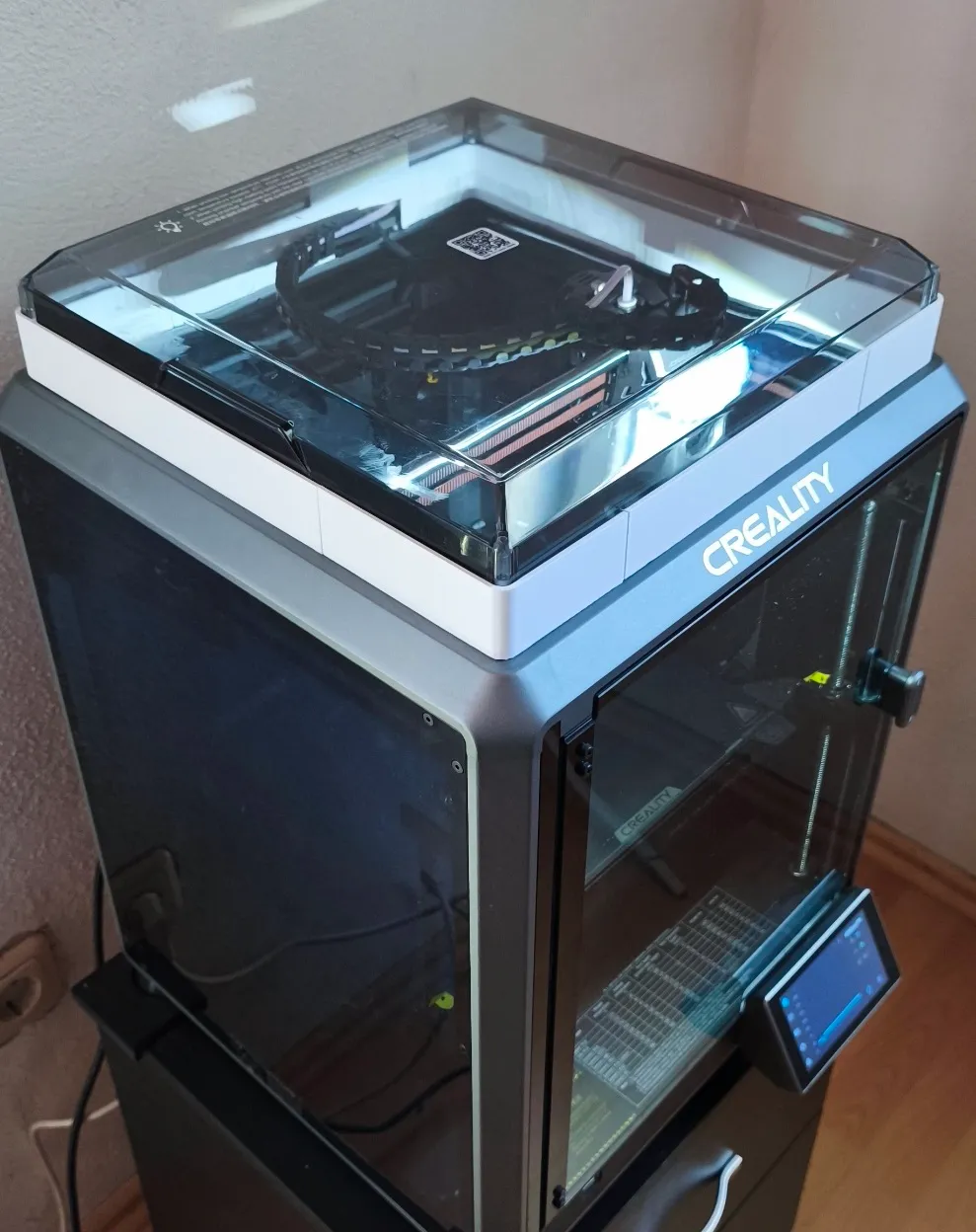
ツールホルダー付きリッドライザー

ブースト

ブーストで賞品獲得のチャンス

5
11
2025-04-30 42

説明

標準ライセンス
この作品は、Copyright License 4.0 に基づいてライセンスされています。
標準ライセンス Creality Cloud で販売される 3D モデル ファイルは、一定の制限がある標準ライセンスで利用できます。特に、これらのファイルは商用利用はできず、個人利用のみに限られます。3D モデルまたはデジタル形式または物理形式のモデルの一部を共有、送信、再配布、リミックス、複製、販売することはできません。
タグ
` elements. "lid riser" likely refers to a mechanical or automotive part, or perhaps a component in a container/packaging context. "Lid" = 蓋 (futa). "Riser" = 上昇部、立ち上がり、ライザー. In the context of a lid, it might be a "lid riser" (a part that raises the lid, or a riser on a lid). Let's use a concise, technical translation. "蓋ライザー" or "蓋立ち上がり部" or simply "リッドライザー". Let's go with "蓋ライザー" or "蓋リフター". Actually, "lid riser" could be a specific hardware component. Let's use "蓋ライザー". 2. **Drafting the Translation:** * lid = 蓋 * riser = ライザー * Combined: 蓋ライザー 3. **Formatting:** * Must strictly follow the format. Wait, the prompt says "将以下标签翻译为日语。只翻译文字,保留特殊字符。" and gives the text with tags. I should output just the translated text, or include the tags? "保留特殊字符" implies keeping the tags if they are considered special characters, but usually, it means keeping things like brackets. Let's output just the text, or with the tags? "只翻译文字" -> translate only the text. I will output just the translated text. Wait, if I look at similar prompts, usually the output should just be the translated string. Let's just output the Japanese text. 4. **Refining:** * Text: 蓋ライザー * Check for any special characters: none. 5. **Final Output Generation:** 蓋ライザー (Wait, should I keep the `[TAG]` and ` 工具ホルダ 3Dプリント custom part 住宅リフォーム